Your team’s asset library
Find the right assets for the work,
with reasons you can check.
Describe an image in Library search, or bring a post idea to Post Intelligence. Explore existing assets, then inspect their details and reasons for fit.
Semantic Search
Semantic discovery with precise controls
Describe what you need in plain English, browse the complete library, then narrow with the metadata and filters your team already uses.
- Semantic vector search across your entire library
- Understands visual content, not just filenames
- Keeps literal matches and broader visual similarities distinct
- Works across images, brand marks, and creative variants
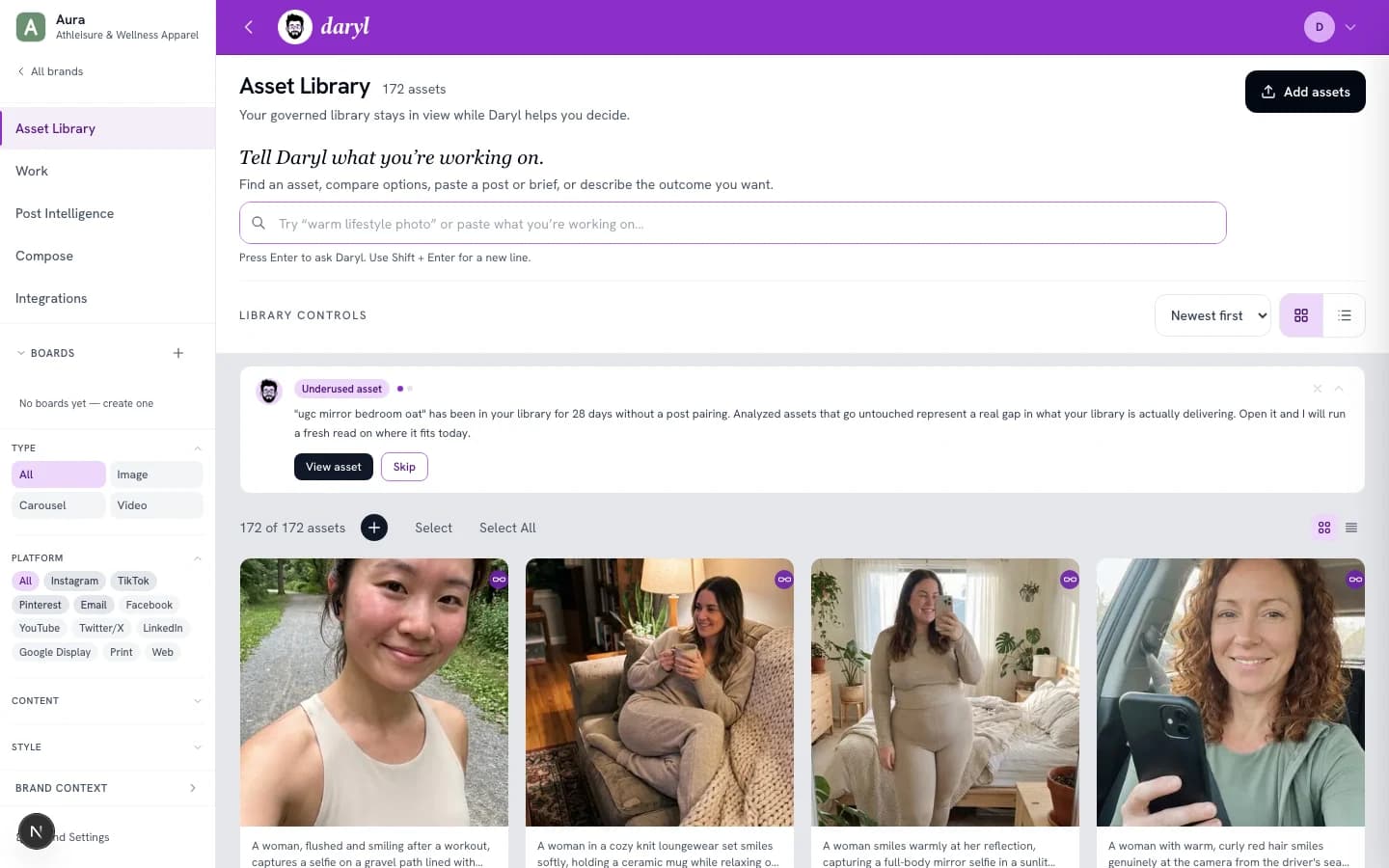
Product interface capture. This shows the interface, not a live result for the illustrative examples.
Post Intelligence
Bring the idea, get ranked asset recommendations
Bring a social post or post idea to the Post Intelligence workflow. Compare candidates from your library with reasons grounded in the active brand and the direction of the post.
- Analyzes post tone, message, and campaign alignment
- Uses the active Brand Context alongside the post direction
- Orders plausible options without hiding the alternatives
- Explains why each asset was recommended
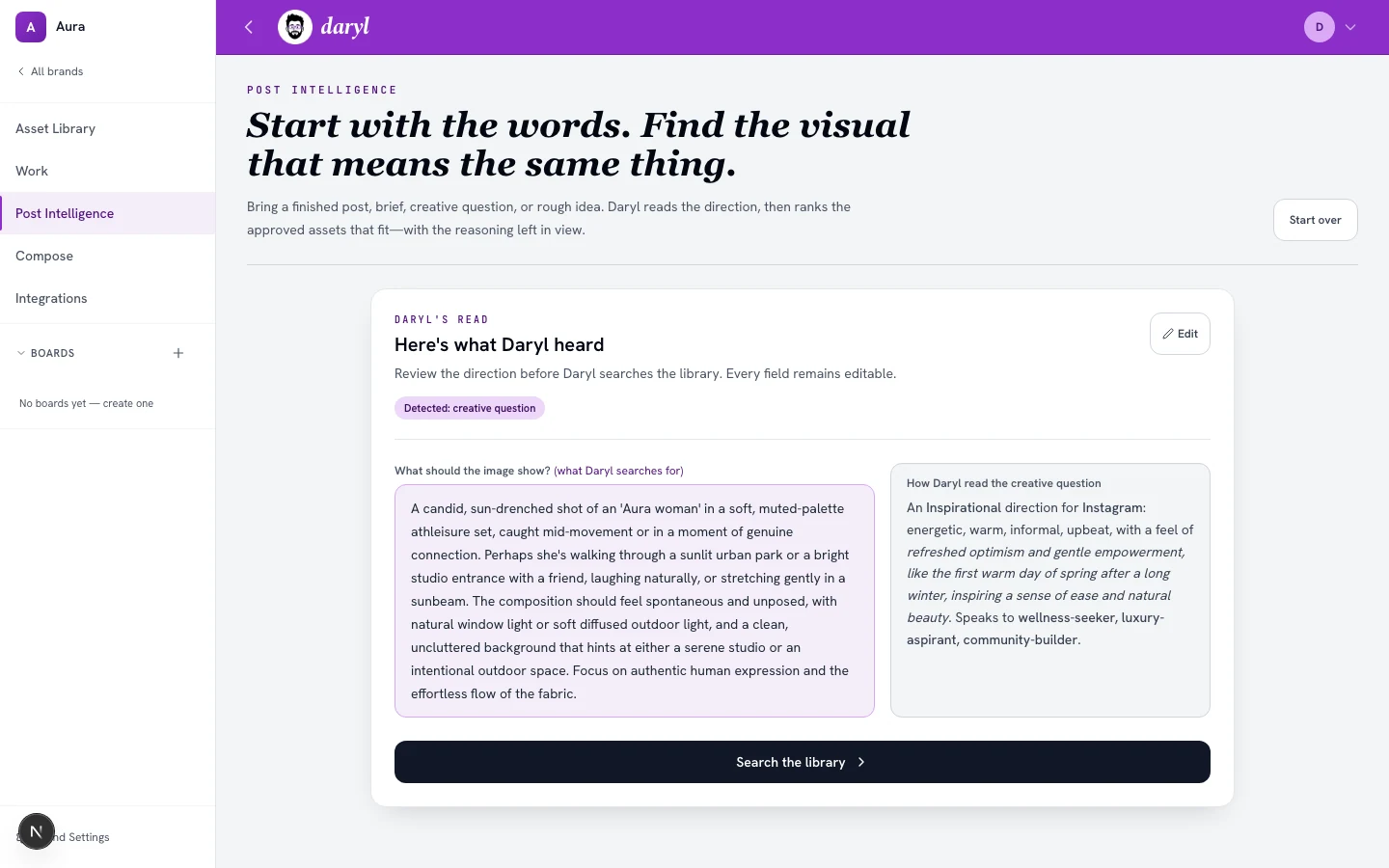
Product interface capture. This shows the interface, not a live result for the illustrative examples.
Brand Context + Analysis
Bring brand context into finding
Daryl combines the brand direction you provide with patterns visible across the library, then shows how individual assets fit that context.
- Maintains voice, positioning, audience, and visual direction
- Identifies visual patterns, mood ranges, and style clusters
- Inspect the evidence behind an asset’s brand fit
- Powers search, analysis, and downstream recommendations
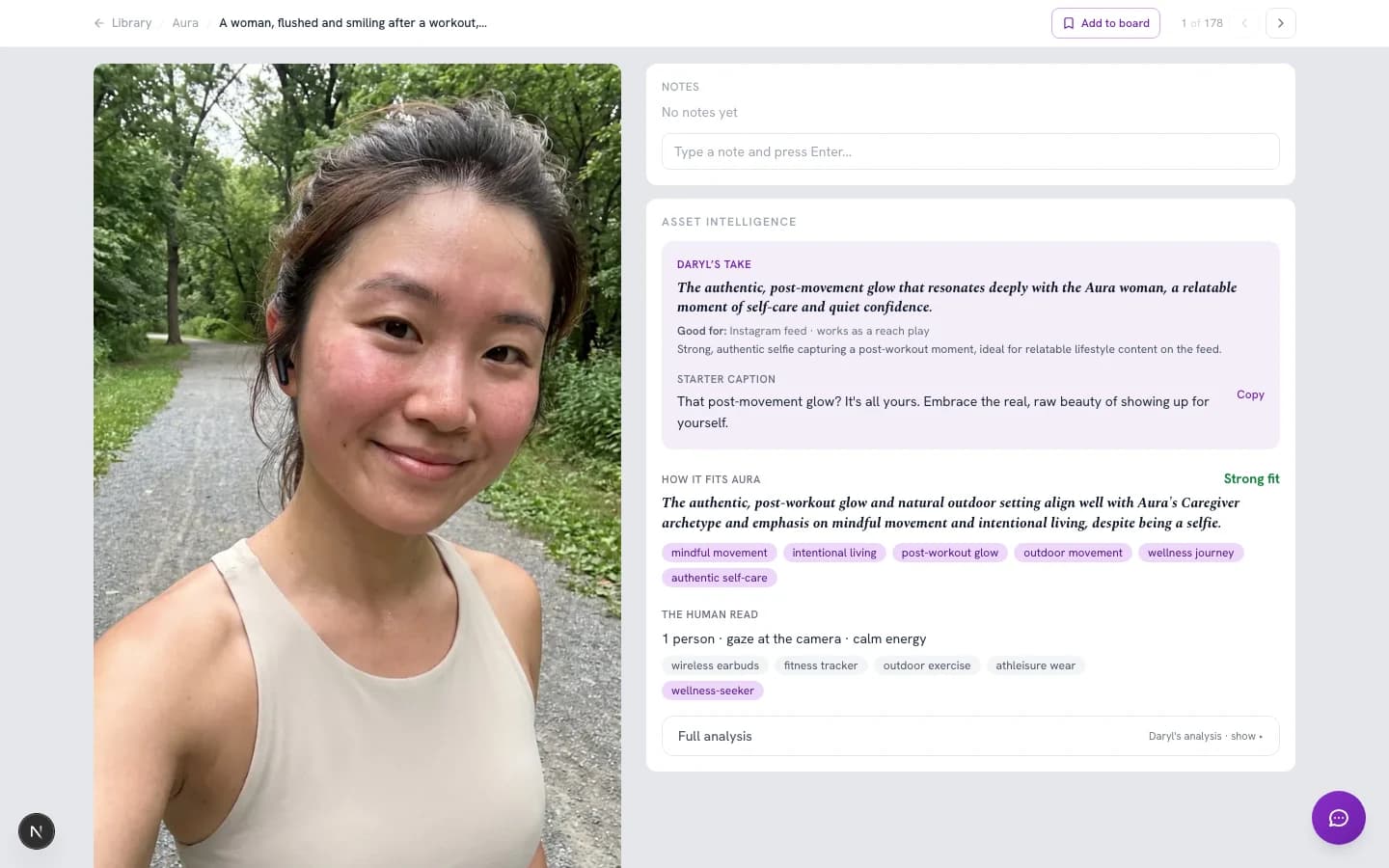
Product interface capture. This shows the interface, not a live result for the illustrative examples.
Multi-Brand Support
Manage every brand in one workspace
Run multiple brands from a single account. Each brand keeps its own library, Brand Context, work history, and recommendations.
- Plan-aware multi-brand workspaces
- Separate asset libraries and Brand Context per brand
- Switch between brand contexts
- Team members can be scoped to specific brands
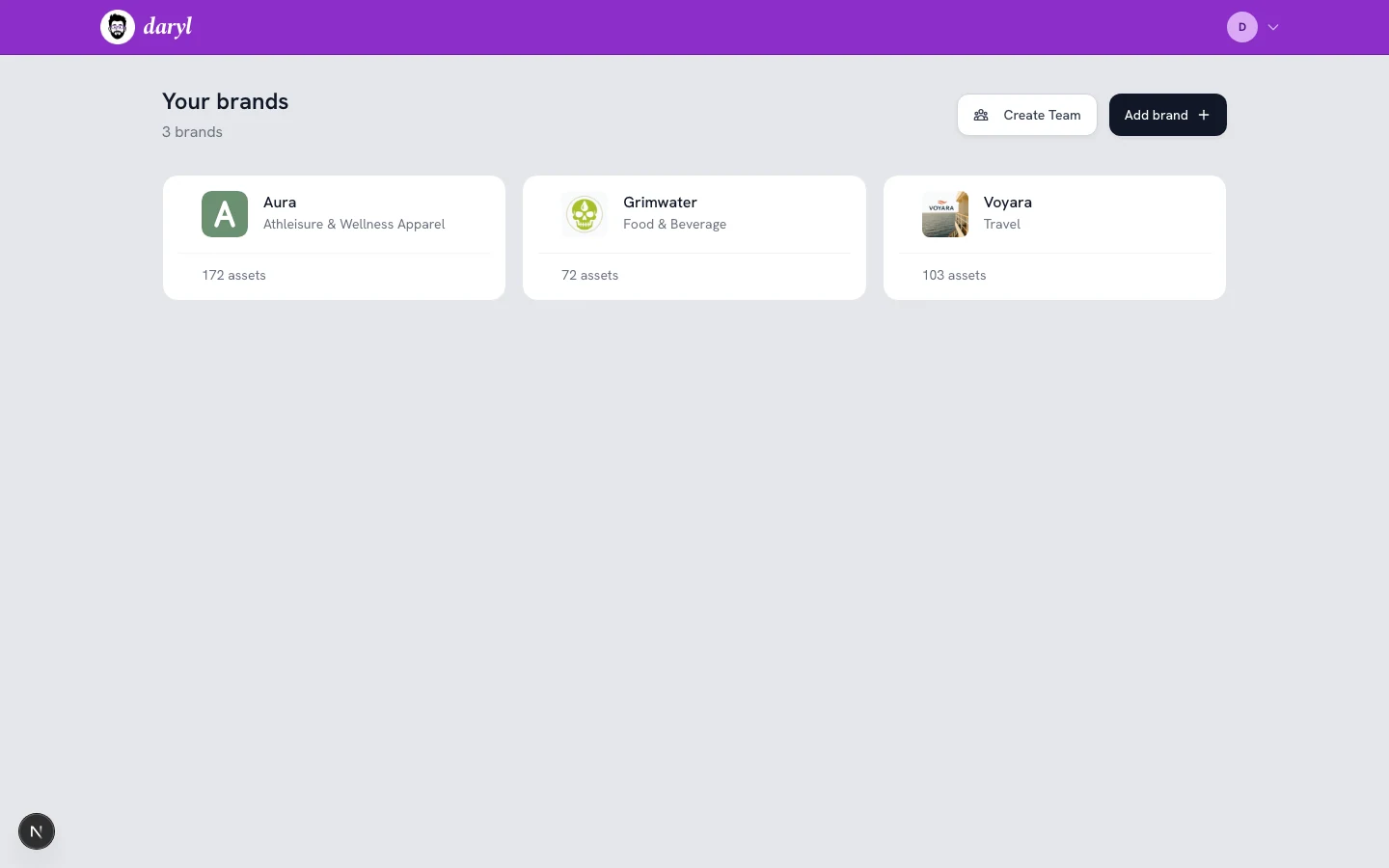
Product interface capture. This shows the interface, not a live result for the illustrative examples.
Find assets for the work in front of you.
Start with the native library, or review availability and source-specific behavior for a supported connection.